



TL;DR
Canva alternatives in 2025 offer advanced features, AI integration, and better collaboration. Options range from free tools like Snappa and Pixlr to specialized services like INKLUSIVE and INKPPT for enterprises, catering to diverse design needs beyond basic templates.
Canva has long reigned as the top graphic design tool for creators, social media marketers, and small business owners. Since 2012, Canva users have created over 30 billion designs, highlighting how much people rely on its wide range of templates for graphics, presentations, videos, and more.
With its drag-and-drop interface, customizable templates, and a vast library of elements, it became synonymous with quick and easy visual content creation.
However, in 2025, the design landscape has rapidly evolved. The demand for more advanced tools, AI integration, photo and video editing, and collaboration features has driven creators to explore other Canva alternatives. Whether you’re seeking a Canva alternative with free AI features, tools with better team collaboration, or specialized platforms for social media posts, this guide has you covered.
15 of the Best Canva Alternatives
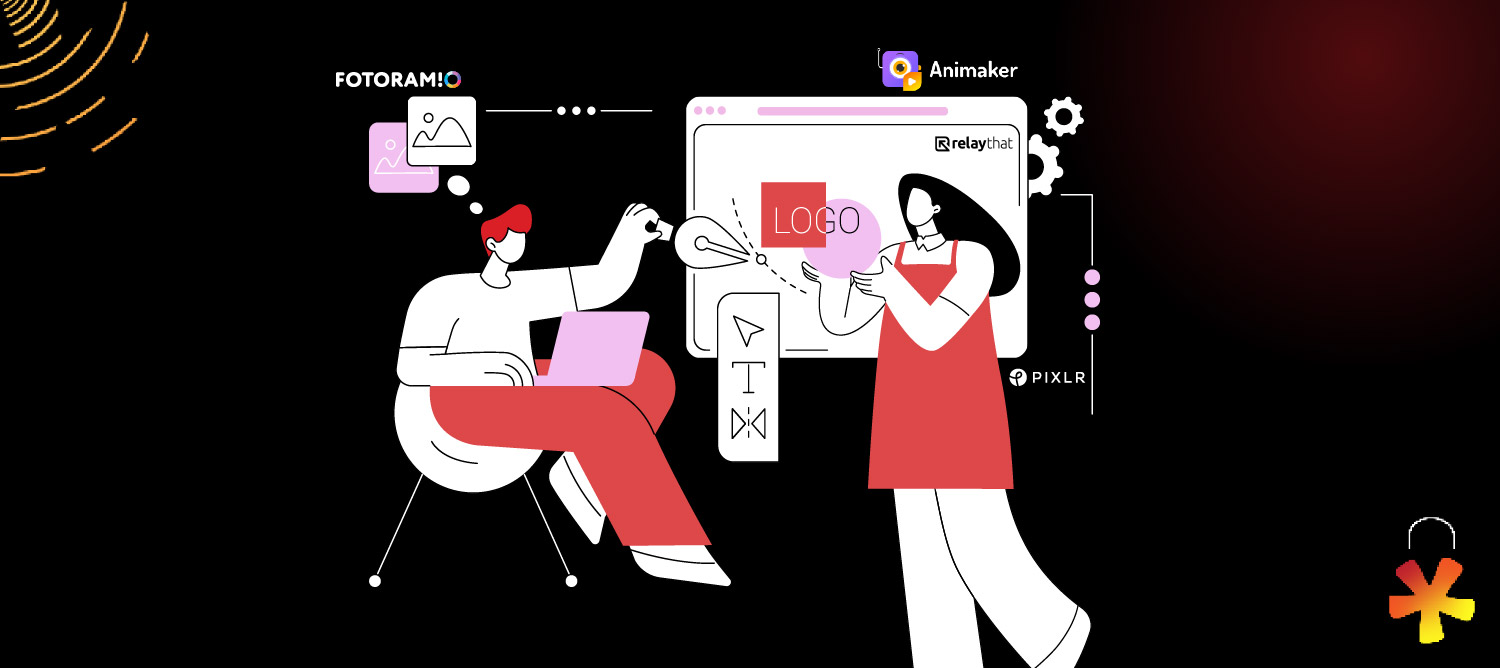
Below are 15 of the best Canva alternatives—each offering unique design features to elevate your creative projects.
1. INKLUSIVE

INKLUSIVE is an on-demand design subscription crafted specifically for enterprise marketing teams needing fast, scalable, and professional creative services that go beyond DIY platforms like Canva.
Who Is It For?
- Large enterprises with ongoing design demands
- Mid-sized businesses needing consistent creative output
- Startups looking for flexible, cost-effective creative design solutions
- Industries including tech, finance, healthcare, retail, and more
Features & Services
- Presentation Design
- Social Media & Advertisement Design
- Website & UI Design
- Video & Motion Design
- Packaging & Print Design
- Brand Design & Infographics
Pricing – The Starter Pack at $199/month offers 5 design hours—ideal for small or one-time projects.
Essential Plan starts at $2400/month and suits SaaS start-ups and digital-first companies. It includes presentation, social media, branding, UI, motion, and infographic design.
Growth Plan at $3300/month is perfect for mid-sized brands and adds custom infographics, print, identity, ads, prototyping, events, and video.
All Plan begins at $4200/month for enterprises and MNCs, with added services like packaging, reports, print ads, and experiential videos.

- Unlimited access to talented illustrators across styles
- Flexible subscription plans for any project size
- Simple workflow: Subscribe → Request → Review → Download
Just getting started? Try our 5 Hours Pack for only $199—ideal for one-time projects or small design needs. It’s the perfect way to experience our creative power with zero commitment and 100% value.
Case Studies: Our Work in Action

We transformed a dense, data-heavy PowerPoint into a sleek, high-conversion landing page designed specifically for C-suite executives. The project involved crafting clear, compelling visuals and an intuitive user flow that encouraged discovery calls. Our team produced 2 videos, worked over 120 human hours, and involved 4 designers to turn complex sustainability data into an engaging, persuasive digital experience.

Faced with unconventional CorelDRAW files and a tight deadline, our design team converted and optimized the files to create a visually immersive brand book. We combined rich storytelling with high-end imagery and strict brand guidelines, dedicating extra hours—including consecutive late nights—to deliver a polished, content-rich product that resonated with employees, partners, and consumers alike.
Get started now with INKLUSIVE — your all-in-one design solution built for speed, scale, and creativity. Access a full suite of professional designs tailored to your brand, without the hassle of managing freelancers. From social media to presentations, we’ve got every creative need covered — effortlessly and efficiently.
Get Started Now2. INKPPT

For leaders and organizations who want more than just templates, INKPPT offers a premium presentation design service that goes beyond DIY platforms like Canva. Designed for professionals who need impactful, custom-crafted presentations that truly engage and persuade.
Who Is It For?
- Executives and teams requiring high-impact presentations for boardrooms, sales, and events
- Enterprises needing scalable, secure, and brand-consistent design solutions
- Organizations in healthcare, automotive, spirits, HR, marketing, and more
- Businesses seeking PowerPoint design services tailored to complex data and multi-lingual audiences
Why Choose INKPPT Over Canva?
- Custom & Interactive Designs: Unlike template-driven tools, INKPPT crafts unique, interactive presentations with animations, 3D visuals, and multimedia elements.
- Data Visualization Expertise: Transform your complex data into insightful visuals that Canva can’t match in precision or customization.
- Industry-Specific Tailoring: INKPPT understands your sector’s language and challenges, creating presentations that resonate deeply with your audience.
- Editable Files with Expert Support: Access editable files with ongoing expert support, including onsite event assistance and professional voiceovers — not just static downloads.
- Secure & Collaborative: NDA-backed, enterprise-grade security with a seamless collaborative process ensures confidentiality and quality every step of the way.
- Multi-Lingual & Scalable: Reach global audiences with multi-language support and solutions that scale as your business grows.
Pricing- Custom pricing dependent on the requirements of clients.
Proven Success
INKPPT has empowered clients for over 10 years, delivering presentations that open doors, change minds, and drive business outcomes — beyond what Canva can offer. It has helped 500 fortunes companies like Honda, Maruti, Raychem and more.
Upgrade your presentations.
Choose INKPPT3. VistaCreate

Who is it for?
Social media marketers, small businesses, and content creators
Free version: Yes
Pricing: 13 USD/month (520 UAH/month)
Canva alternatives AI: No AI features yet, but powerful tools
Key Features:
- Customizable templates for every platform
- Drag-and-drop editor
- Background remover
- Motion graphics support
Previously known as Crello, VistaCreate remains a popular Canva alternative in 2025. With a focus on social media graphics, it provides professionally designed templates, intuitive usability, and tools like animation and branding kits, making it one of the best Canva alternatives for social media posts.
4. Pixlr

Who it’s for: Photographers and designers
Free version: Yes
Pricing:
Basic Plan – $2.49/month (~S$3.35)
Premium Plan – $9.99/month (~S$13.40)
Team Plan – $16.99/month (~S$22.80)
AI Features: Yes (AI background remover)
Key Features:
- Advanced photo editing tools
- Layer-based editing (like Adobe Photoshop)
- AI background removal
- Works with own images and PSD files
Pixlr offers powerful photo editing features—ideal for users wanting more advanced tools without the complexity of Adobe Photoshop. For professionals, it’s among the top Canva alternatives free online and especially strong in editing images with precision.
5. Snappa

Who it’s for: Content creators, bloggers, marketers
Free version: Yes
Pricing:
Pro Plan – $10/month (billed yearly) (~C$13.70)
Team Plan – $20/month (billed yearly) (~C$27.40)
Canva alternatives free AI: No AI but lightning-fast design
Key Features:
- Templates optimized for all major social media platforms
- Access to stock photos
- Real-time editing
- Easy image resizing
Snappa is perfect for those who want to create stunning graphics fast. It shines in speed, making it one of the best Canva alternatives free and a favorite among social media managers and small teams.
6. RelayThat

Who it’s for: branding agencies and businesses
Free version: No (paid plans)
Pricing:
PRO – $15/month per user (~£11.80)
PRO+ PLUS – $25/month (includes 2 users) (~£19.65)
AI Tools: No AI, but advanced automation
Key Features:
- Design automation and resizing
- Brand asset integration
- Bulk content generation
- Collaboration tools
RelayThat prioritizes brand consistency across platforms. Its automation system helps teams generate graphics in bulk, ideal for campaigns. This is a top Canva alternative for businesses with advanced collaboration features.
7. Fotoram.io

Who it’s for: Casual users, students, hobbyists
Free version: Yes
AI Features: Limited (filters and effects)
Key Features:
- Simple photo editing tools
- Collage maker
- Artistic filters
- Free templates
Fotoam.io is ideal for beginners or non-designers. While it lacks deep functionality, its ease of use and free Canva alternative status make it perfect for quick edits and fun visuals without a steep learning curve.
8. Animaker

Who it’s for: Video content creators
Free version: Yes (limited features)
Pricing:
Basic – $15/month (≈ $180/year) ₹1,250/month (₹14,999 billed yearly)
Starter – $25/month (≈ $300/year) ₹2,083/month (₹24,999 billed yearly)
Pro – $43/month (≈ $516/year) ₹3,583/month (₹42,999 billed yearly)
Canva alternatives free AI: Yes (AI video editor, character builder)
Key Features:
- AI-powered video editing
- Animated templates and characters
- Voiceovers and text-to-speech
- Direct export to social media channels
Animaker stands out as a Canva alternative with AI capabilities for video content. For brands leveraging video storytelling, Animaker is a creative powerhouse, offering animated explainers, social reels, and ads—without needing a video team.
9. Colorcinch

Who it’s for: Artists and graphic designers
Free version: Yes
Pricing:
Pro – $3.60/month (₹299/month )
AI Features: Yes (AI-powered image enhancement)
Key Features:
- AI image generator
- Deep photo editing like exposure and curves
- Comic/cartoonizer effects
- Simple, clean UI
Colorcinch merges AI design tools with intuitive controls, making it a great choice for those needing to edit or create visuals quickly. It’s often cited as a better AI design tool than Canva in terms of photo editing quality.
10. Design Wizard

Who it’s for: Educators, entrepreneurs, small businesses
Free version: Yes
Pricing:
Pro – $9.99/month (~€9.19/month)
AI Tools: No
Key Features:
- Thousands of professionally designed templates
- Custom branding options
- Video support
- Integration with own logos and photos
Design Wizard is a powerful yet easy-to-use alternative to Canva for non-designers. Whether you’re making a lesson plan, presentation, or marketing materials, it’s got you covered with drag-and-drop simplicity.
11. Desygner

Who it’s for: Teams and businesses
Free version: Yes
Pricing:
Pro+ – $3.37/month (₹280.75/month (billed annually))
Business – $8.58/month per user (₹714.75/month for the first 6 people (billed annually))
AI Tools: No
Best for: Advanced collaboration features
Key Features:
- Real-time team collaboration
- Centralized brand assets
- Social media publishing
- Access to 150+ million stock assets
Desygner makes team design workflows efficient and smooth. Often compared to Canva’s team plan, it allows seamless collaboration on designs with intuitive interfaces, earning it a place among the top Canva alternatives for enterprises.
12. Digifloat

Who it’s for: Businesses wanting done-for-you design
Free version: No (subscription-based)
Pricing:
Standard
$399 / month (₹29,988 / month (approx))
Pro
$649 / month (₹48,000 / month (approx))
Agency
$999 / month (₹74,988 / month (approx))
AI Tools: Not applicable
Key Features:
- Monthly or yearly subscription
- Unlimited design requests
- Access to professional designers
- Custom design templates and full ownership
Digifloat isn’t just a tool—it’s a design service. For businesses who don’t want to do design themselves, this Canva alternative provides an efficient way to get graphics created on demand, making it ideal for marketing teams and startups.
13. BeFunky

Who it’s for: Bloggers, hobbyists, casual designers
Free version: Yes
Pricing:
$14.99 –Billed monthly
AI Tools: Yes (AI photo enhancer, background remover)
Key Features:
- Easy-to-use photo editor with one-click enhancements
- Collage maker and batch editing
- Graphic designer for social media and marketing
- AI background remover and object cut-out tools
BeFunky shines in photo editing and simplicity, making it perfect for users looking for a Canva alternative with AI photo tools. It’s especially useful for bloggers or content creators wanting fast, polished visuals without complex workflows.
14. Tyle.io

Who it’s for: Marketers, small businesses, YouTubers
Free version: Yes
Pricing:
$31 / month (₩41,000 / month)
AI Tools: Yes (automated video creation)
Key Features:
- AI-assisted video content creation
- Smart template adaptation
- Voice-over and subtitle support
- Ideal for YouTube Shorts, ads, and promos
Tyle is an emerging AI-powered Canva alternative for video marketing. With automatic layout and media suggestions, it saves time while delivering professional-grade results. Perfect for anyone creating short-form video content consistently.
15. Drawtify

Who it’s for: Freelancers, startups, creatives
Free version: Yes
Pricing:
Monthly Plan
$9.99 / month
Monthly Pro
$14.99 / month
AI Tools: Limited AI (animations and effects)
Key Features:
- Vector design tools
- Logo and infographic creator
- Motion graphics support
- Multi-page document design
Drawtify is a powerful yet easy design alternative to Canva, combining vector tools with infographic and motion graphic capabilities. It’s ideal for users who need more flexibility than Canva offers, especially in vector illustration and animation.
If you need a quick and easy way to design social media graphics, create event posters, or build presentations, Canva is often the first tool that comes to mind. But did you know there are other great alternatives that offer similar features, sometimes even with better pricing and advanced capabilities?
We’ve reviewed several Canva-like platforms to help you find the best fit for your creative needs—whether you’re a solo creator, a marketing team, or an enterprise.
Want to explore these options? Watch this YouTube video to learn more about 7 pro-level Canva alternatives that could be game changers for your design workflow!
Final Thoughts
As design demands continue to diversify, so do the tools that compete with Canva. From free Canva alternatives online to AI-powered platforms and video editing tools, 2025 offers a wide spectrum of design solutions.
If you’re wondering, “Is there anything similar to Canva for free?”—the answer is yes, and many tools like Snappa, Pixlr, VistaCreate, and Fotoram.io offer strong features at no cost.
Need advanced collaboration features or AI image generators? Explore Desygner, RelayThat, or Colorcinch. Want custom video templates and characters? Animaker is your go-to.
In a world where content is king and visuals drive engagement, switching to a Canva alternative could be your best creative decision.
While tools like Snappa, VistaCreate, and Pixlr offer great features, INKLUSIVE stands out as a comprehensive design partner—not just a tool. Built for brands and marketing teams, INKLUSIVE combines the creativity of a full agency with the flexibility of a subscription model.
Need consistent branding, rapid turnarounds, or designs that actually convert? INKLUSIVE delivers everything from UI/UX and motion graphics to reports and marketing assets—making it the perfect upgrade for teams looking beyond templates.
Streamline your design needs with INKLUSIVE — professional, flexible, and built to scale your creative vision beyond limits.
Explore servicesFAQs
1. Who is Canva’s biggest competitor?
Figma and VistaCreate are two of Canva’s top competitors. Adobe brings industry-standard quality with better integration into the Figma ecosystem, while VistaCreate excels in ease-of-use and template variety.
2. Which AI is better than Canva?
Colorcinch (for image generation and photo editing) and Animaker (for AI-driven video creation) offer AI tools that surpass Canva in specific functions like image enhancement and animated content.
3. Is there anything similar to Canva for free?
Yes! Tools like Snappa, Desygner, Pixlr, and Fotoram.io offer free versions with strong capabilities. These free Canva alternatives let you design graphics, edit images, and create content without a subscription.
4. What is the best Canva alternative for social media posts?
VistaCreate and Snappa are tailor-made for social media content, offering pre-sized templates and seamless publishing features.
5. Are there Canva alternatives with advanced collaboration features?
RelayThat and Desygner are designed for teams, providing collaboration tools, brand asset libraries, and centralized control over design workflows.